
Categories
Uncategorized

INPUT DEVICES

Webcam in front of computer screen
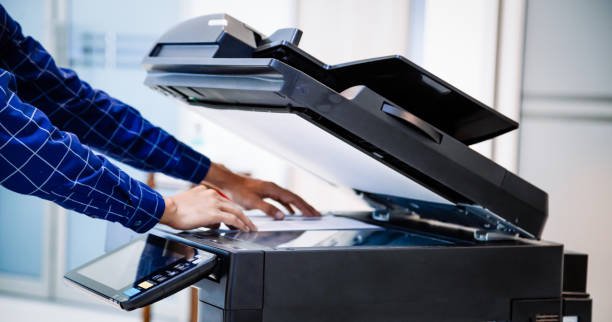
Businessmen press button on the panel for using photocopier or printer for printout and scanning document paper at office.

INPUT DEVICES

Input devices are like special tools that help us to tell the computer what want it to do. They let us give information to the computer by clicking, typing, or even drawing. Just like you talk to your friends, you can talk to computer using these tolls.

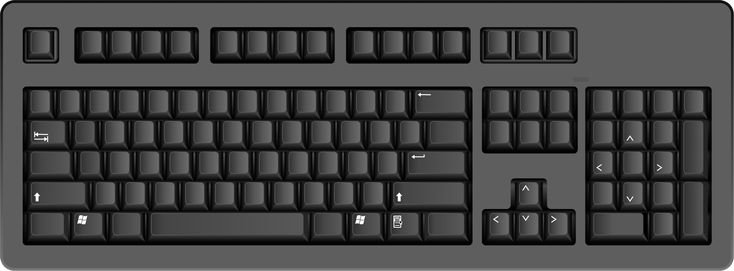
Keyboard

A keyboard is like a special board full of buttons. Each button has a letter, number, or picture on it. When you press these buttons, you can make you can make words and tell the computer what to do. It is like a secret code that helps you talk to the computer.

Alphabets Keys

The first keys you will discover are the Alphabet Keys. These keys have letter from A to Z.

When you press them, you can create words, just like you do when you are writing withe a pencil.

Number Keys

These keys have numbers from 1 to 0. They are like digital countdown! When you press them, you can tell the computer to do math or count things.

Function and Special Keys

 These keys have interesting names like F1, Spacebar, Enter, and Backspace. Each one has a unique job to help you work with the computer in different ways.

Arrow Keys

These keys look like little arrows and help you move around on the computer screen, just like going on an adventure!

Categories
Story

Amna’s Problem

There were half a dozen dolls in the window. They were all on one shelf. Each doll was dressed in the clothes of the country from which it came. There was Japanese doll in Kimono, and a doll in the grass skirt form Fiji. A third wore the kilt of Scotland, and a fourth had on the tall, black hat of Wales. Next cane a Red India doll which wore a coloured blanket, and shoes called moccasins. Last of all was the English doll, a neat little girl in school uniform.

It was going to be very hard for Amana to choose one doll from this charming collection. Each had something that made it seem nicer than the others. Yet, only one could be chosen. She had no money for more than one. Was it to be the biggest or the  prettiest?

Categories
Uncategorized

IDENTIFY CPU AS THE BRAIN OF A COMPUTER

INTRODUCTION:

Imagine your computer is like a superhero, and the CPU is its superpower! In this chapter, we’re going to learn all about the CPU, the computer ‘s brain, and how it helps our computers do amazing things.

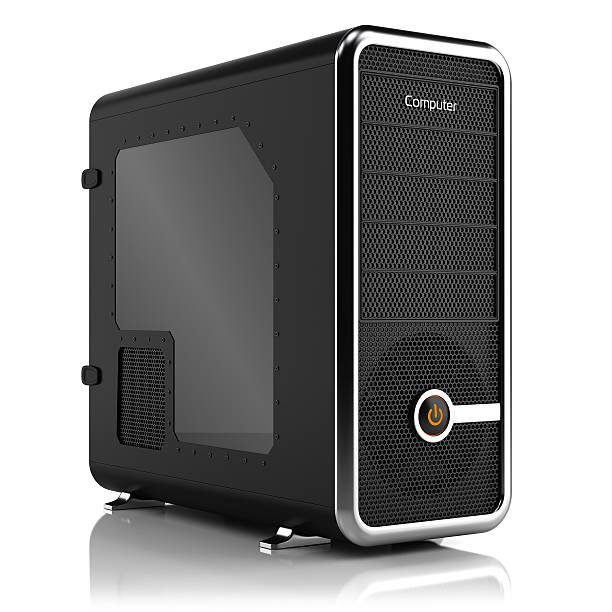
Computing tower box isolated on white background 3D

What is a CPU?

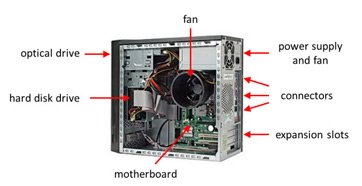
A CPU stands for Central Processing Unit, but you can call it the computer ‘s brain.

It ‘s like the boss of all the parts of a computer, making sure everything works.

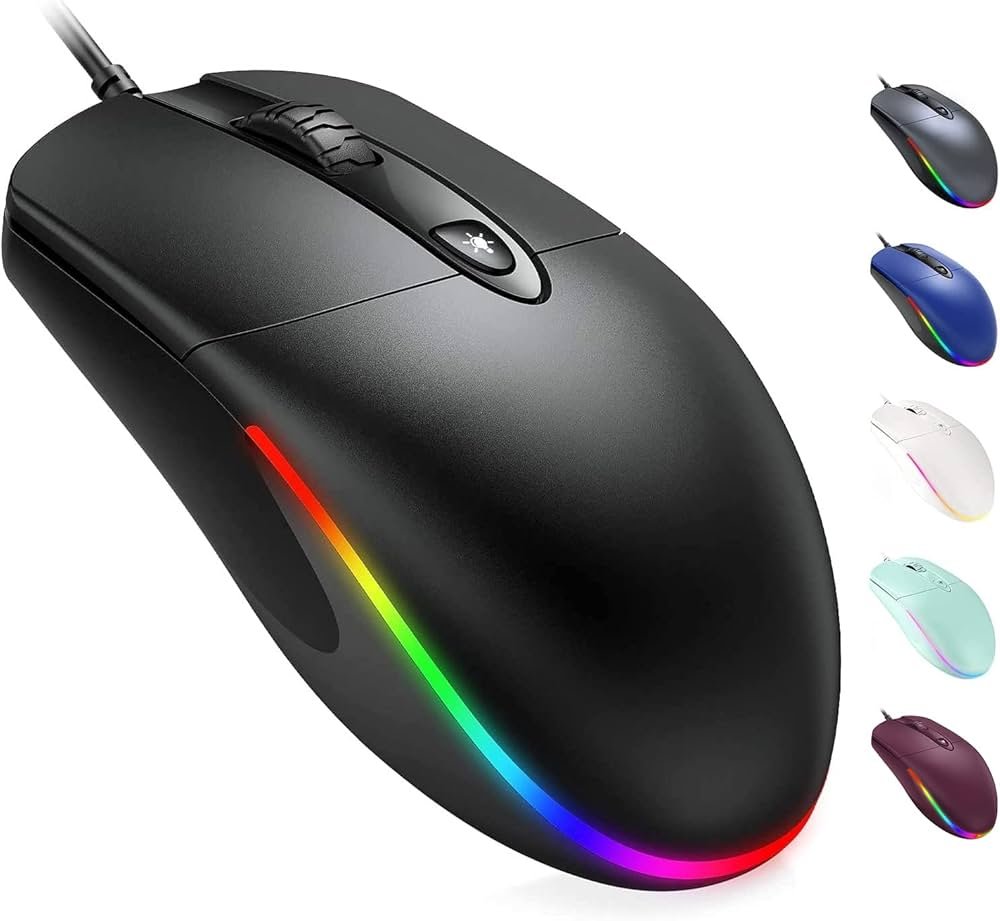
All the other parts, such as keyboard, the mouse

 and the monitor are connected to the CPU through wires.

What does a CPU do?

The CPU helps our computer think and do many things.

It can solve math problems, play games, and show us pictures.

IT processes input, store data and give us output results.

How does a CPU look?

The CPU is like a superhero when you play games. It thinks fast to move characters in the game.

Inside the CPU

Let ‘s imagine the CPU has tiny workers called “transistors.” They are super fast and help the CPU do its job.

Transistors are like little switches that can be turned on and off really quickly.

Inside the CPU Factory

CPUs are made in big factories by very smart people

Categories
Computer

Output devices

They show us pictures, words and play sounds, making it possible for us to see and hear what the computer wants to tell us.

We put input (data in the form of numbers, letters or signs), the computer does the processing and gives us output (our required data).

MONITOR

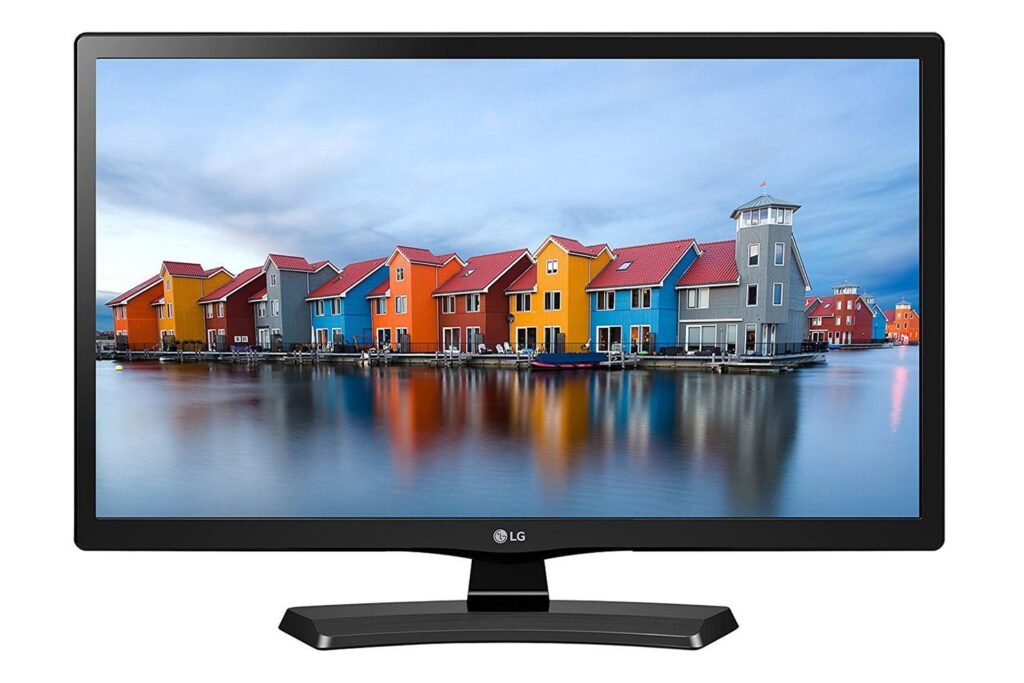
A monitor is a special screen that looks like a TV. It shows us everything the computer wants to tell us, like pictures, words, and videos. When you use a computer, you can see everything on the monitor

Types of MONITOR

There are three types of computer monitor:

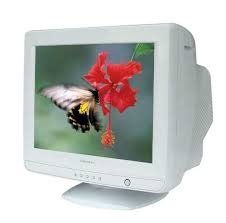
. CRT Monitor

A CRT monitor is an older type of computer screen. It’s like a big, heavy TV screen that used to be used with computers.

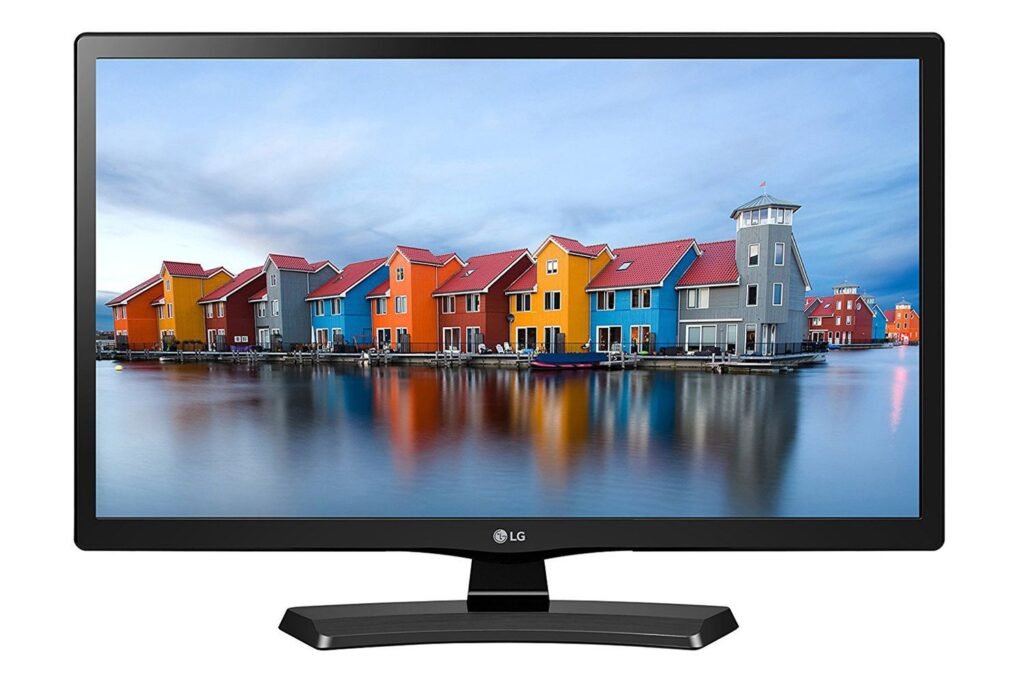
. LCD Monitor

LCB monitor is like a computer screen, but it is thinner and lighter than older screens.

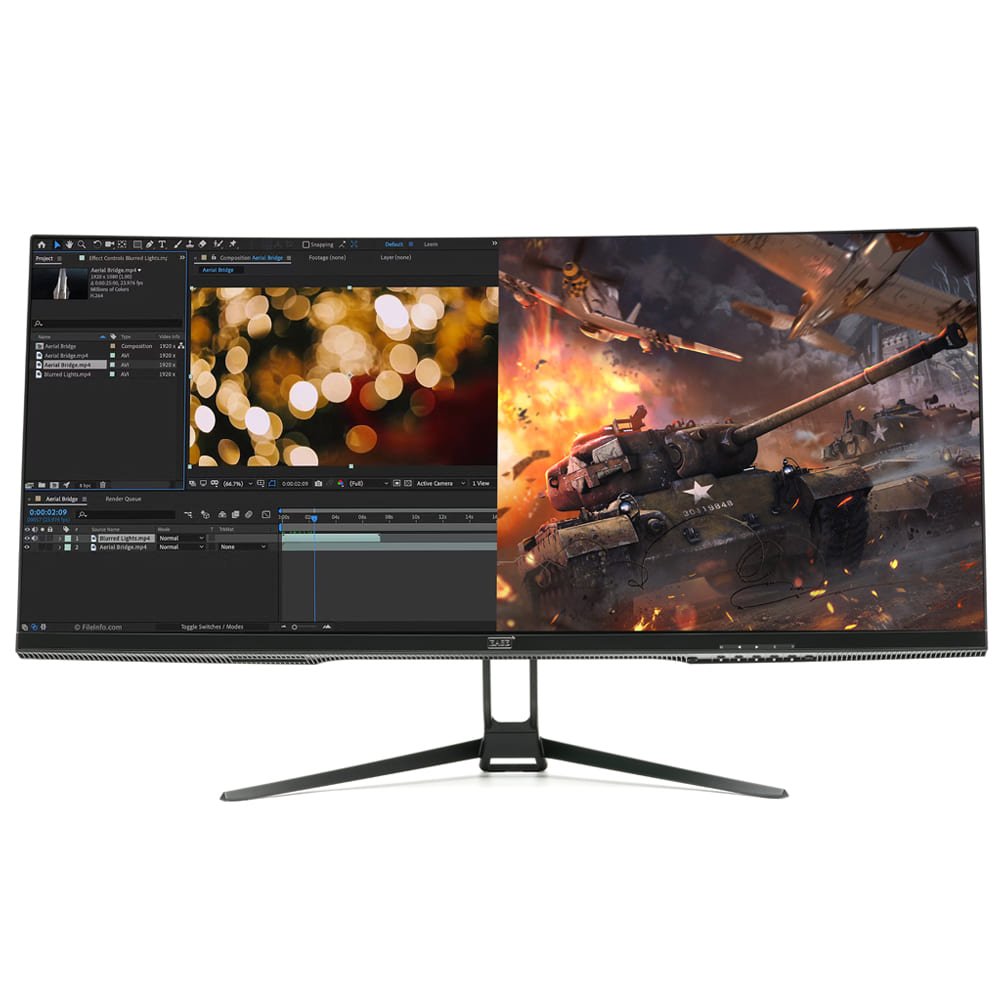
LED Monitor

An LED monitor is a special kind of computer screen. It is like a big, flat TV that shows pictures and words from the computer.

PRINTER

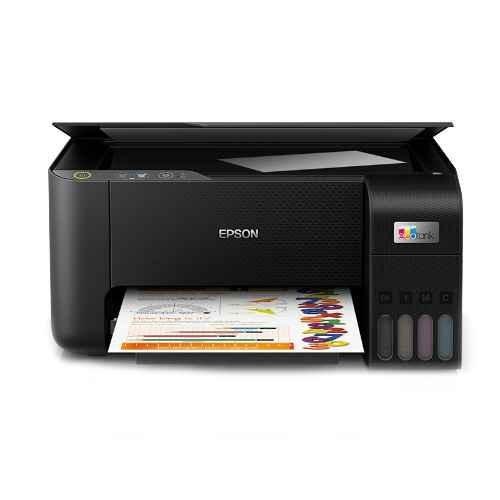
Printer is an output device which is used to get prints on paper. Some printers print in black and white while some printers print in colours.

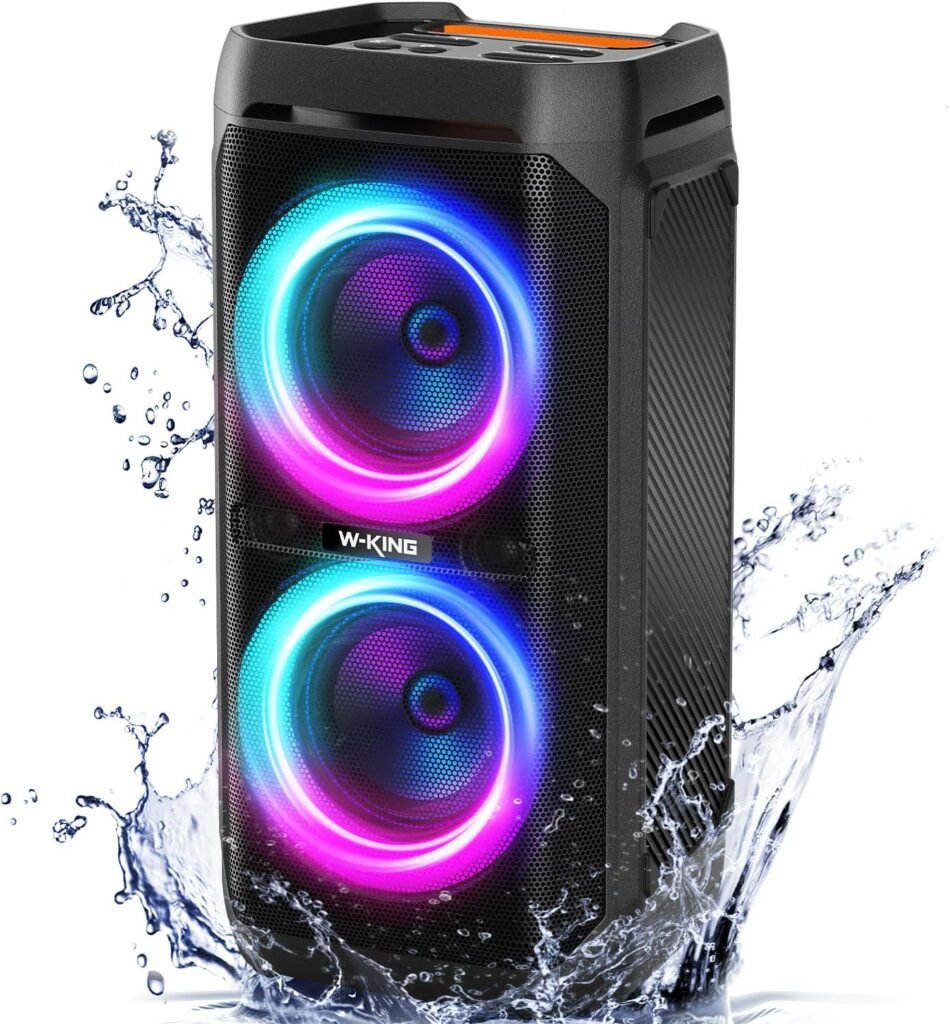
SPEAKER

Speaker makes sounds and music so can hear them. It is like the voice of computer that talks to us and plays sounds.